
Get started
Set up your account
Create a free account in our customer portal to book service, manage your properties, and see every visit in one place. It takes about two minutes.
How it works
Four steps to service
Create your account
Sign up with your email. You can log in with a one-time code sent to your inbox, or set a username and password — whichever you prefer.
Add your property
Enter the address where your spa lives and tell us what kind of service it needs: recurring residential care, vacation rental turnovers, or repair only.
Pick your service
Review the service agreement and choose your plan. Set up autopay if you'd rather not think about billing again.
Schedule and track
Request visits, see what's scheduled and what's done, and keep an eye on upcoming service from one calendar.
Inside your account
Everything in one place
One calendar for everything
Scheduled, completed, and pending visits are color-coded so you always know where things stand.
Multiple properties
Manage several homes or rentals under a single login, each with its own service settings.
Airbnb & Vrbo sync
Connect your listing calendar and we'll see your guest bookings, so service lands between stays — not during them.
Autopay
Turn on autopay and your recurring plan bills itself. Turn it off any time.
Renting your place out?
Connect your booking calendar
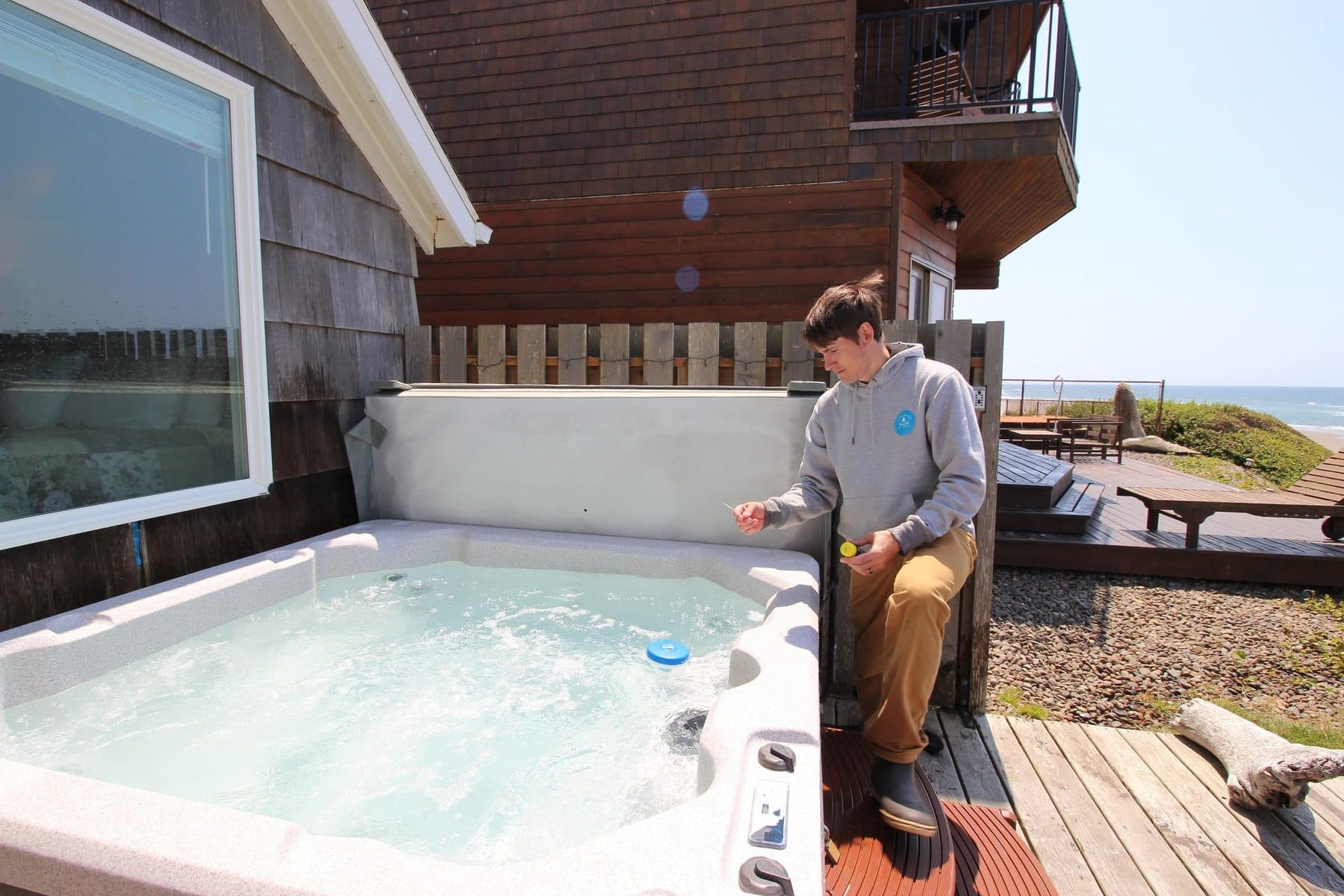
Add your Airbnb or Vrbo iCal link when you set up your property and the portal keeps your guest bookings in view. We schedule service between stays, flag overlaps before they happen, and keep the spa guest-ready on turn days.
Rather not set up an account?
That’s completely fine. Call us and we’ll get you on the schedule the old-fashioned way.